Feature
Built for the basement, not for the boardroom
Field workflows that work in poor light, in PPE, with one hand, and no signal.
What "offline" actually means
Time punches and photo uploads queue locally when the device has no signal. When the phone returns to network, the queue posts in order, with the original timestamps preserved. The rest of the app (daily forms, credential lookups, project records) needs a connection to load and submit.
Native iOS app
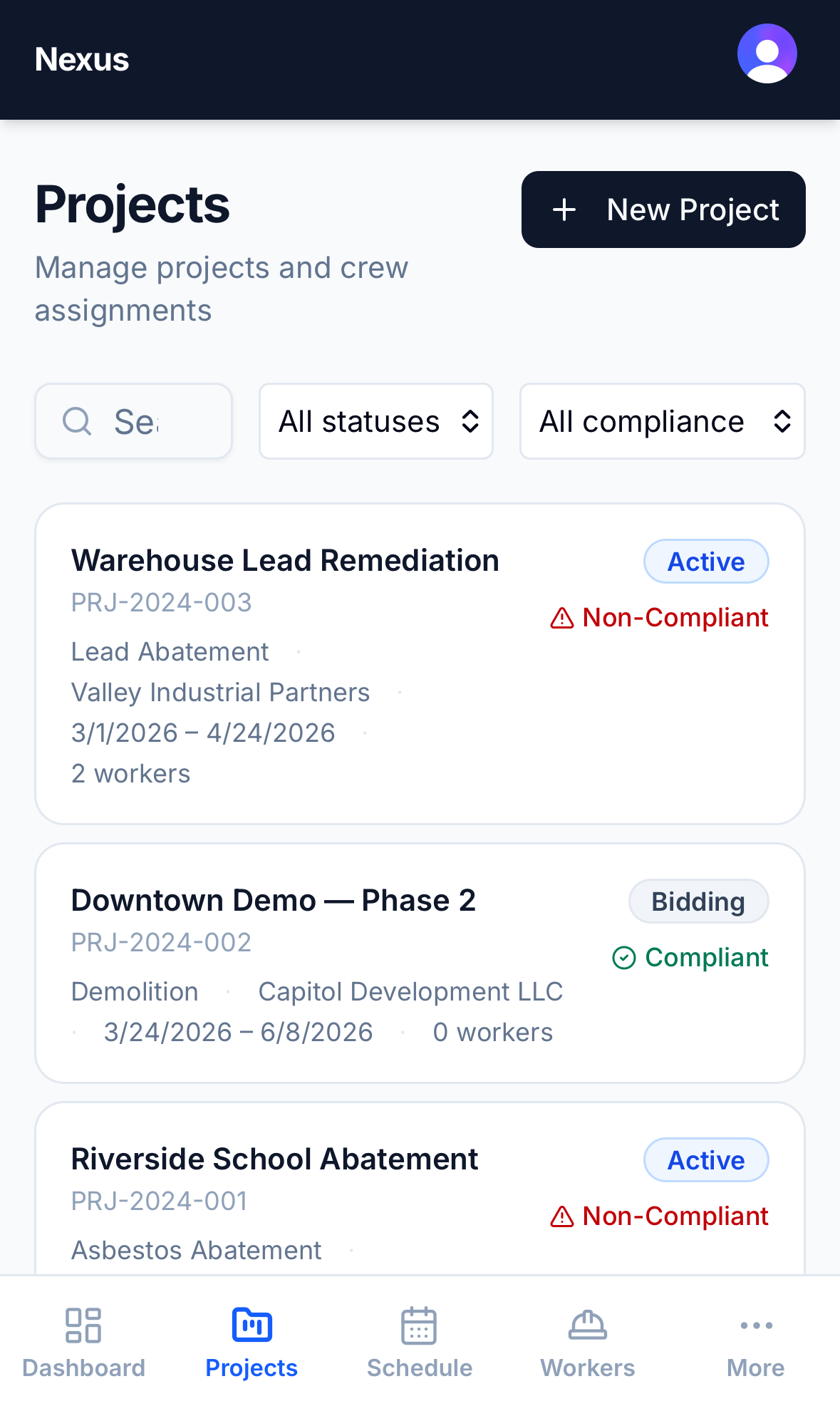
The mobile app is a native install on iOS. It uses the device camera for photo capture, the GPS for optional location tagging on time punches, the native filesystem for offline queuing of punches and uploads, and speech-to-text where the user prefers it to typing.
What it doesn't try to do
It doesn't try to be a full desktop experience on a phone. The mobile workflows are the field-first workflows. The office-side work (running reports, configuring project requirements, managing credentials at scale) is better on a laptop.
Related
Ready to simplify compliance?
Start your 14-day free trial. No credit card required.