Feature
A schedule that knows who's actually qualified to be on the job
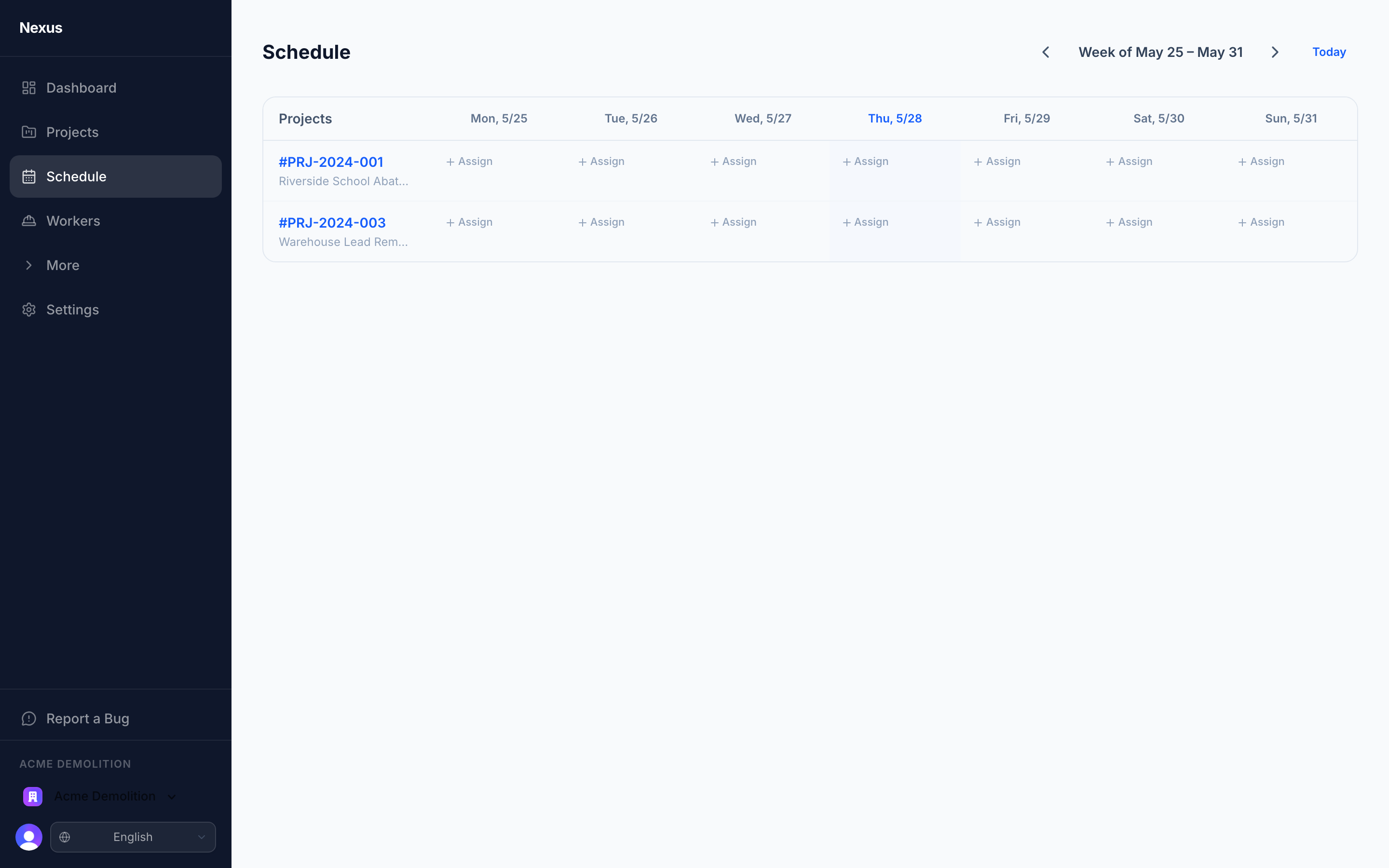
Assign a worker to a project. The system blocks the assignment if a required credential is missing, and warns you if one is going to lapse mid-project.
The schedule view
Weekly view, by project. Assign a worker to a project for a given day and the system checks: is the worker credentialed for the project's required credentials, and will any of them expire during the project window? Missing credentials block the assignment outright; upcoming expirations come back as warnings so you can plan the renewal before the gap.
Smart schedule import
Already build next week's schedule in Excel? Upload it. Nexus reads the grid — jobs down the rows, days across the columns — and pulls out each job, its address, its foreman, and the crew assigned to each day. It works from the table's borders and layout, not from any one company's formatting, so a bolded name or a color-coded cell doesn't throw it off.
Every job is matched to an existing project or queued as a new one; every name is matched to an existing worker or queued as a new hire. Foremen come in as workers too — assigned to their jobs as the crew lead. You review everything before anything is created, filling in phone numbers and emails as you go.
Then send it out. Each worker gets their own days; each crew lead gets their whole crew's week — by email and text, in the worker's language. The schedule view shows you who's already been notified, so re-sending an update never means guessing.
Time records
Workers punch in and out from a phone, with the optional GPS location captured at punch in and punch out. The time record carries the worker, the project, and the timestamps; regular and overtime hours roll up into a weekly timesheet. End-of-week, the foreman reviews and submits.
Export to QuickBooks-formatted CSV or generic CSV for other payroll systems. We don't run payroll; we give your payroll the clean data it needs.
What's not here yet
Drag-and-drop scheduling, a month view, cost codes on time entries, and equipment/material capture against T&M tickets are all on the roadmap. The week view + click-to-assign workflow is what's shipping today; the credential-blocking is the part we made sure was rock-solid first.
Related
Ready to simplify compliance?
Start your 14-day free trial. No credit card required.